
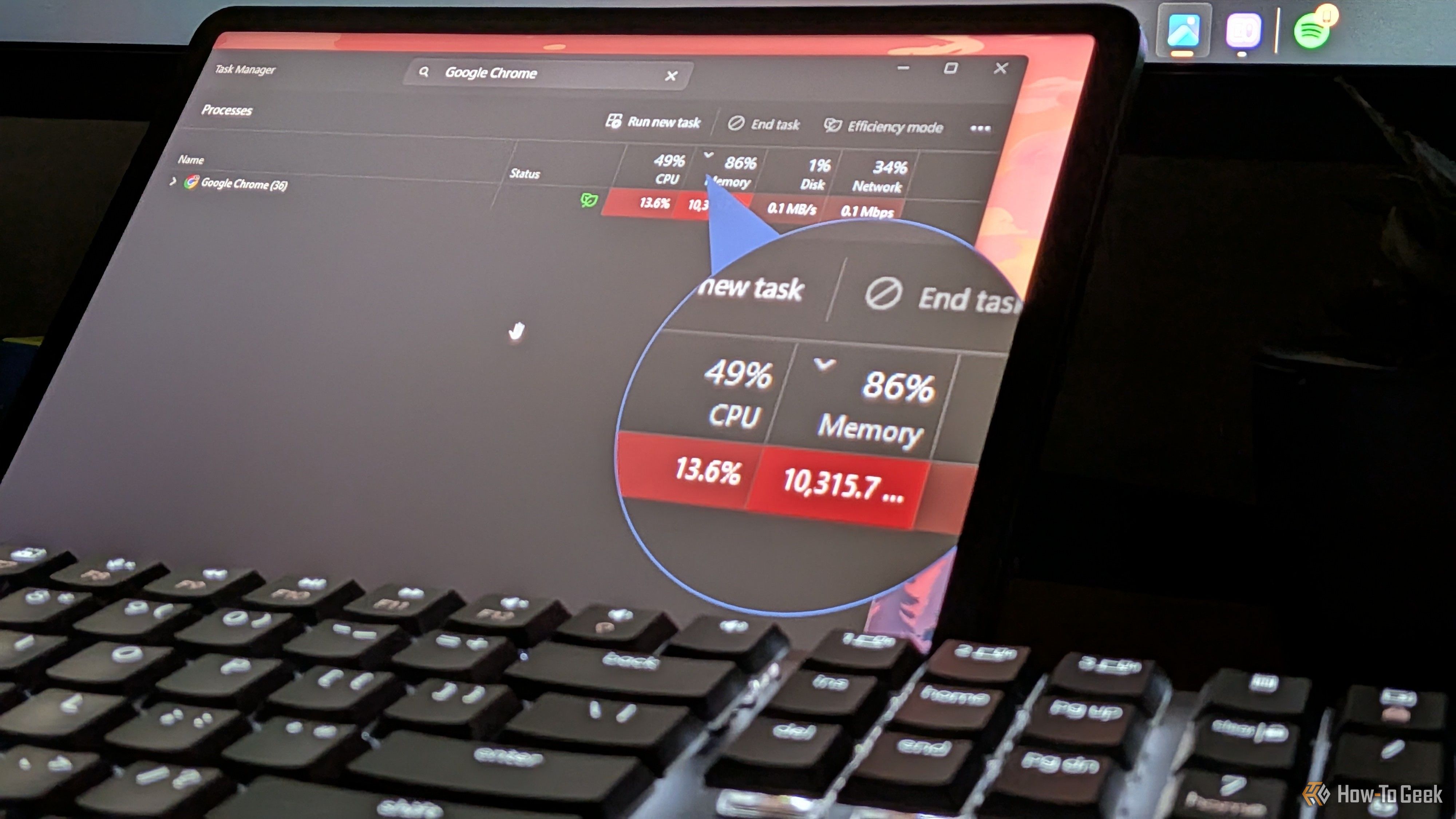
Chrome has a reputation for hogging your RAM, and there’s no shortage of online tips promising to fix it. So, I decided to try every popular tip and hack out there to see which ones actually help reduce Chrome’s RAM usage and which are a waste of time. Following their recommendations, I turned on Memory Saver and set it to Maximum, turned off page preloading and hardware acceleration, cleared all my cookies and cache, switched off Chrome’s built-in Gemini features, and audited my entire extension list.


